What Is an Online Photo Booth? Shoot 4-Cut Strips in Your Browser
22/09/2026 · 5 min
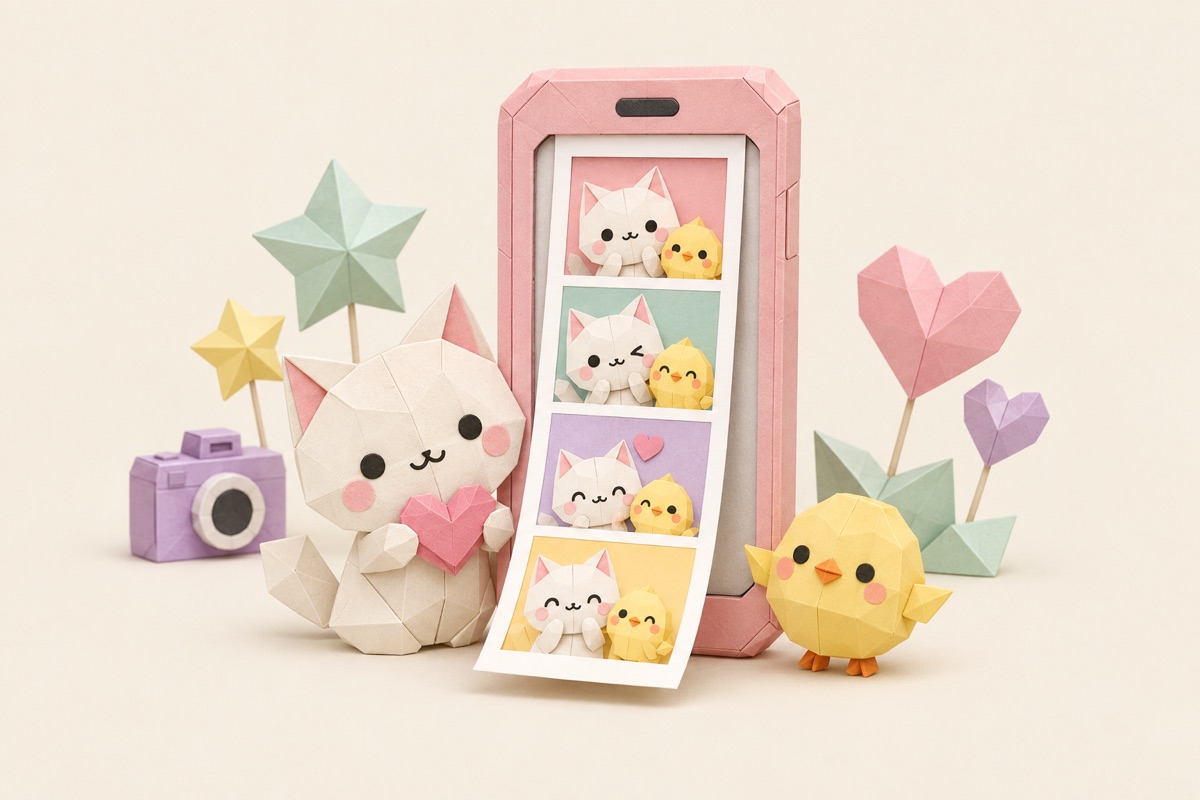
You want one of those vertical 4-cut strips with your friends, but the nearest self-photo studio is a bus ride away, and nobody's really trying to pay $5 for three minutes in a curtained box. There's a third option now. An online photo booth runs the whole ritual in your browser: countdown, back-to-back shots, frames, paper, date stamp, download. Costs nothing. Installs nothing.
I build Bondi Studio, which is exactly this kind of booth, so instead of a vague overview you're getting the tour from someone who ships the actual code — how it works, how it compares to the real-world booths, where it honestly falls short, and how to try one free.
What is an online photo booth?
An online photo booth is a photo booth that runs entirely in your web browser. You open a page, allow camera access, and the site fires a countdown, snaps several shots in a row, then assembles them into a classic photo strip with frames, paper textures, and a date stamp, ready to download as a high-res PNG.
The format it's built around is the Korean 4-cut strip — the one plastered across every K-pop fan account. If that reference means nothing to you, What is Life4Cut has the full backstory. Short version: four photos, vertical strip, taken fast, kept forever.
Here's the part I care about most, because it's the question everyone should be asking any camera tool: where do the photos go? With Bondi's online photo booth, nowhere. Every step — capture, strip assembly, export — happens on your device, inside the browser tab. No upload, no server, no account quietly keeping a copy. You can pull the worst face of your life and the only witnesses are you and your group chat.
How it compares to mall booths and Korean self-photo studios
Quick verdict: go to a studio when the outing itself is the point. Use an online photo booth for literally everything else.
| Mall / arcade photo booth | Korean self-photo studio | Online photo booth | |
|---|---|---|---|
| Price | ~$5–8 per session | ~$3–5 per strip | $0 |
| Where | Malls, arcades, events | Studio storefronts | Anywhere with a browser |
| Retakes | None — what prints is what you get | Barely, the timer keeps rolling | Unlimited |
| What you get | Printed strip on the spot | Printed strip, sometimes a digital copy | High-res PNG on your device |
| Privacy | Photos pass through the machine | Some studios keep digital copies | Processed on your device, never uploaded |
| Waiting in line | On weekends, guaranteed | Often | Never |
I don't think these replace each other, honestly. A studio session with proper ring lights and that one-shot pressure is its own kind of fun — the "no retakes" rule is half the charm. But it's a destination. An online booth is what's there at 11pm when your friends live in four different cities and someone in the group chat says "wait, we should take a photo right now."
The honest pros and cons
If I only listed the good parts you'd trust none of it, so here's both sides.
What you give up. No warm strip of paper sliding out of a slot 30 seconds after the flash — if you want a physical copy, you download the PNG and print it yourself. And there's no studio lighting rig; image quality is whatever your phone or webcam can do. Shoot facing a window and you're fine. Shoot in a dim dorm room at 1am and the strip will look like it was taken in a dim dorm room at 1am.
What you get instead. Free, with unlimited retakes — you reshoot until the strip is actually good, which a paid booth will never let you do. Private by design, since photos never leave your device. No watermark stamped over your faces, and no sign-up wall before the shutter. Some booths also do studio backgrounds: the camera cuts you out of your messy room and drops you in front of a red curtain or neon hearts, which is a genuinely unfair upgrade for zero dollars.
How to use an online photo booth
The whole flow in Bondi's online photo booth is four steps:
- Open the page and allow the camera. No install, no account. This is the entire setup.
- Pick a layout. The classic vertical 4-cut, a 2×2 grid, two frames, or a single portrait.
- Shoot on the countdown. Choose 3, 5, or 10 seconds depending on how fast your group can switch poses — there's a prompt between shots telling you to change it up, and the mid-scramble frames are usually the keepers. On phones, a button flips between front and back cameras.
- Decorate and download. Frames (they rotate with the seasons), seven paper styles, a caption on the bottom lip, and a date stamp you can set to any date — shoot today, stamp your anniversary, nobody checks. Then save the PNG: share sheet on iPhone, direct download on Android.
Who it's best for
Long-distance friend groups, first. Everyone shoots from their own room and you compare strips — it's become the default way people use this. Then anyone without a self-photo studio nearby, anyone who wants to test the 4-cut thing before spending money on it, and anyone who reads "processed on your device" and feels their shoulders drop a little. That last group is bigger than you'd think.
Who it's not for: the day when getting dressed up and going somewhere is the whole event. Book the studio for that one. Bring the online booth home for the other 360 days.
The nice thing about a free tool is the tryout costs you nothing but a countdown. Open a browser, allow the camera, make a face. Worst case, you delete it — it was never anywhere else to begin with.
Try the photo booth right on the web
Frames, papers and studio backdrops - free, no sign-up.