How to Take Korean 4-Cut Photos at Home (Free, No App)
22/09/2026 · 4 min
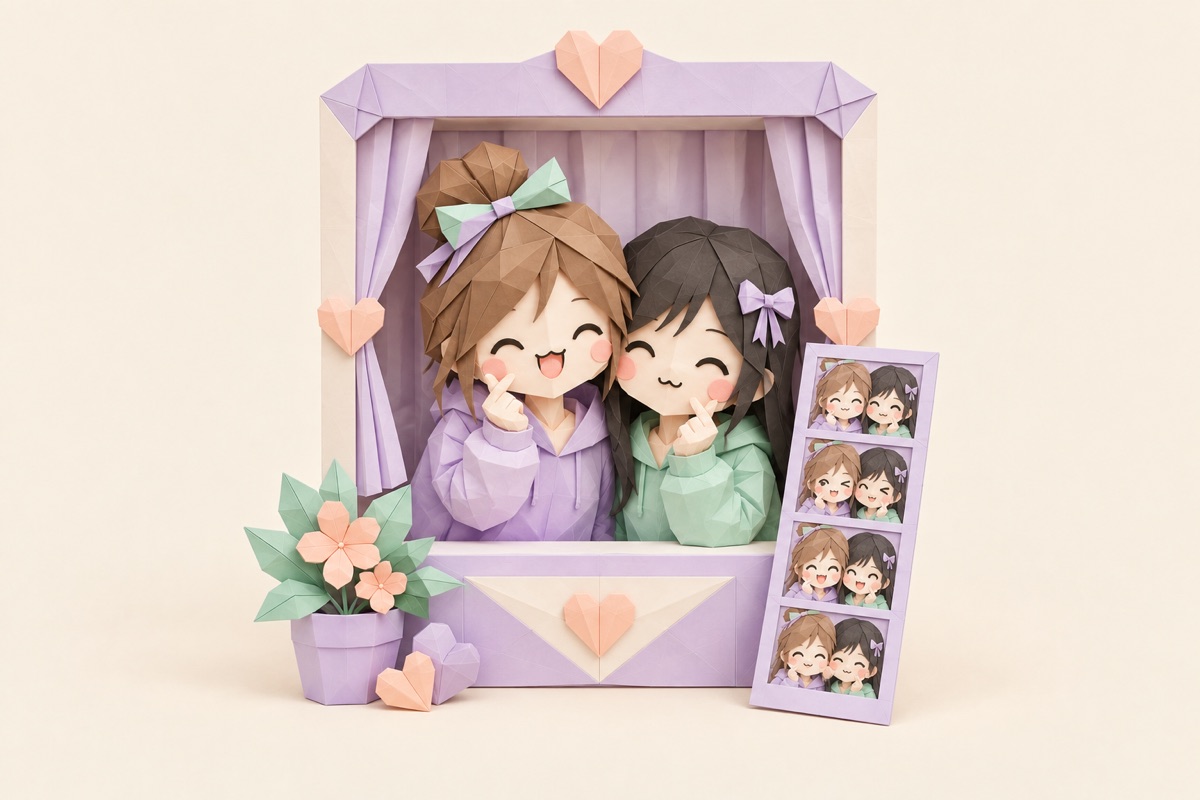
You know the drill at a 4-cut studio: wait for the booth, feed it $3 to $5, get four frames on a timer you can't pause, and walk out hoping at least two shots landed. Cute experience, but if you just want the strip? You can get the same thing at home in about three minutes, for free, with the phone already in your hand.
No app, no account, no studio queue. Here's exactly how to do it — plus the small stuff that separates a clean strip from four awkward frames.
What you need
Honestly, almost nothing:
- A phone or laptop with a camera. Front camera on your phone is plenty.
- A bright spot. Near a window during the day, or a room light plus a desk lamp at night.
That's it. The booth itself runs in your browser, so there's nothing to install, no account to make, and nothing to update later. If you can open a tab, you can shoot a strip.
One thing worth knowing before you start: your photos stay on your device. The booth processes everything locally in the browser, so your four frames aren't getting uploaded to some server — a small detail, but a nice one if you're taking goofy test shots at 1 a.m.
How to shoot: 4 steps
Open the booth and pick your layout. Go to Bondi's online photo booth in your browser and choose the vertical strip layout — that's the classic 4-cut format you see everywhere, four frames stacked like a film strip. There's a 2x2 grid too if you want the square look, but the vertical strip is the one that reads instantly as Korean 4-cut.
Allow camera access and set up your shot. When the page asks for your camera, hit allow. Prop your phone somewhere stable at roughly eye level — leaning it against a stack of books or a water bottle works. Frame yourself from the chest up; 4-cut photos are a face-and-shoulders format, not a full-body one.
Hit the shutter and let the countdown run. Pick a countdown — 3 seconds if you're solo or shooting as a couple, 5 or 10 if you're cramming friends into frame. The booth counts down and fires all four shots in a row, with a beat between each one to switch poses. This is the fun part: don't freeze. Move every single frame.
Add a frame and date stamp, then save. Once your four shots are in, pick a frame — neon for concert energy, pastel pink if that's more your vibe — and turn on the date stamp for that authentic booth-print feel. Then download. Your strip saves as a high-resolution PNG: on iPhone, tap share and Save Image; on Android or a laptop, it downloads straight to your device.
Done. Four frames, framed and stamped, and you never left your room.
3 tips for better shots
These three things matter more than what camera you have.
Face the window, don't stand in front of it. Light needs to hit your face, not your back. Daylight through a window is basically a free softbox — stand facing it and your skin looks even and bright in all four frames, which is 90% of that clean Korean booth look. Light behind you turns you into a shadow. Overhead light straight above you puts shadows under your eyes. Face the source. Every time.
Camera at eye level. A phone sitting flat on the desk shoots up your chin; a phone on a high shelf shoots down at your forehead. Neither is the vibe. Stack whatever you need to get the lens level with your eyes — that's the angle every studio booth uses, and it's why studio strips look flattering by default.
Change your pose every frame. The number one rookie mistake is holding one pose for all four shots. The whole charm of a 4-cut strip is the rhythm: a wave, a lean-in, something silly, a real laugh. When the countdown resets between frames, that's your cue to switch. If all four frames look identical, you've made one photo four times.
If you want the backstory on why this format took over — where Life4Cut came from and how it became the default way to hang out in Seoul — we broke that down in What is Life4Cut.
What to do with your strip
The strip is the product, so use it:
- Print it. The PNG is sharp enough to print at home on photo paper or drop off at any photo lab. Cut it out, and it's the same physical strip you'd get from a studio — minus the $5.
- Journal it. Strips are basically made for scrapbooks and journals. Date stamp on, glue stick out, done. A page of strips from different months is a better diary than anything you'd write.
- Share it. Vertical strips were born for Instagram Stories. Post it, throw it on TikTok, or dump it in the group chat so everyone can argue about who blinked.
And since it costs nothing, there's no pressure to make one strip count. Shoot a take, hate it, shoot again. That freedom to redo is honestly the biggest upgrade over the studio version.
Ready when you are
That's the whole process: browser open, four poses, frame on, PNG saved. No app taking up storage, no fee per attempt, no line of strangers watching you pose through the curtain.
Grab your phone, find a window, and open Bondi's online photo booth. Your first strip is about three minutes away.
Try the photo booth right on the web
Frames, papers and studio backdrops - free, no sign-up.